Your cart is currently empty!
Free Stablecoin Gateway Plugin for WooCommerce
$0.00
Introduce a seamless way to accept crypto payments with our USDT, USDC, and DAI on BNB Smart Chain gateway for WooCommerce. This plugin facilitates direct wallet-to-wallet transactions, completely eliminating intermediaries and high fees. Administrators can get started instantly by simply configuring their wallet address and Infura API key for secure, server-side validation. Customers enjoy the flexibility of both automatic wallet-connect and manual payment methods for maximum convenience. All transactions are neatly organized on a dedicated admin page, displaying key details like customer wallet addresses and transaction hashes for easy tracking.
Description
Accept Direct, Secure Crypto Payments on Your WooCommerce Store with USDT, USDC, and DAI on BNB Smart Chain
Tired of high transaction fees, chargebacks, and intermediaries? Welcome to the future of e-commerce payments. Our USDT, USDC, and DAI (on BSC) Payment Gateway for WooCommerce allows you to accept direct, wallet-to-wallet USDT, USDC, and DAI payments on the fast and affordable BNB Smart Chain. Seamlessly integrate crypto payments into your WordPress store and start enjoying instant, global transactions with minimal fees.
This powerful plugin adds a secure, self-custodial payment option for your customers, giving them full control over their transactions while providing you with a robust and easy-to-manage admin interface.
Key Features
🔐 Direct Wallet-to-Wallet Transactions
- No Intermediaries, No KYC: Payments go directly from your customer’s wallet to your store’s wallet. You hold your funds; no third party can freeze or control your revenue.
- Enhanced Security: Leverage the immutable and transparent security of the BNB Smart Chain network.
🤖 Flexible Payment Options for Customers
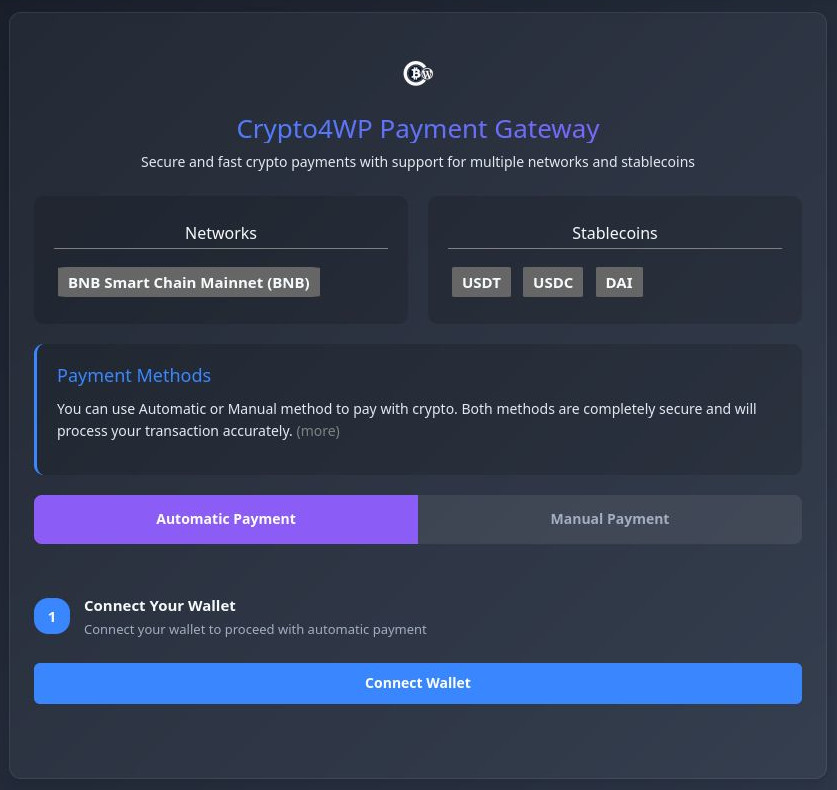
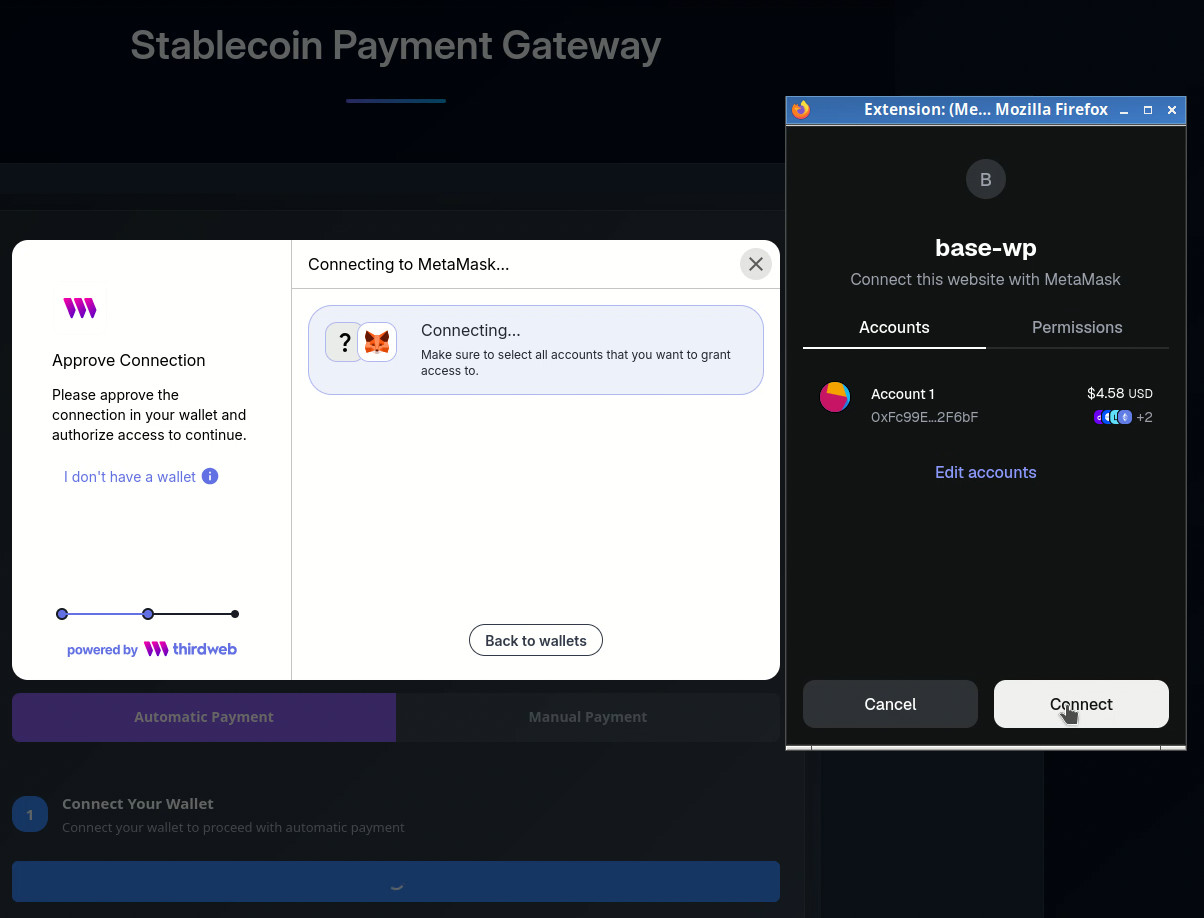
- Automatic Payment Method (Recommended): For a seamless Web3 experience, customers can simply click “Pay with Wallet.” The plugin automatically triggers their connected wallet extension (like MetaMask, Trust Wallet, etc.) to pre-fill all payment details. They just review and confirm the transaction—it’s that easy!
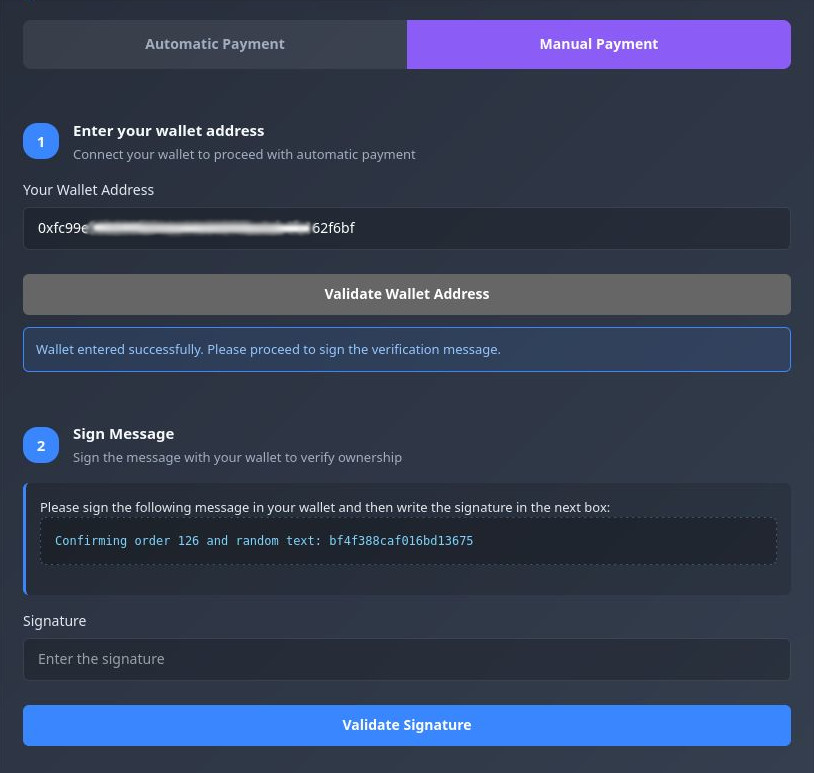
- Manual Payment Method: For users who prefer more control or are using a wallet not integrated with their browser. Customers can manually enter their wallet address, sign a message to verify ownership, and paste the transaction hash after completing the payment.
🛡️ Secure Server-Side Validation
- Reliable Confirmation: Every transaction is rigorously validated on your server using your Infura API key, which checks the blockchain directly. This prevents fraud and ensures payments are confirmed and accurate before marking an order as complete.
- Peace of Mind: Rest assured that payments are verified by the network itself, not just client-side promises.
📊 Simple & Clear Admin Order Management
- Dedicated Order Page: A special “Crypto4WP” menu is created within your WooCommerce admin panel, giving you a clear overview of all crypto transactions.
- Essential Data at a Glance: For every order, view the exact amount in USDT, USDC, and DAI, the customer’s sending wallet address, and the unique blockchain transaction hash (TxHash) for easy auditing and tracking.
- Streamlined Viewing: Navigate through your orders effortlessly with simple pagination.
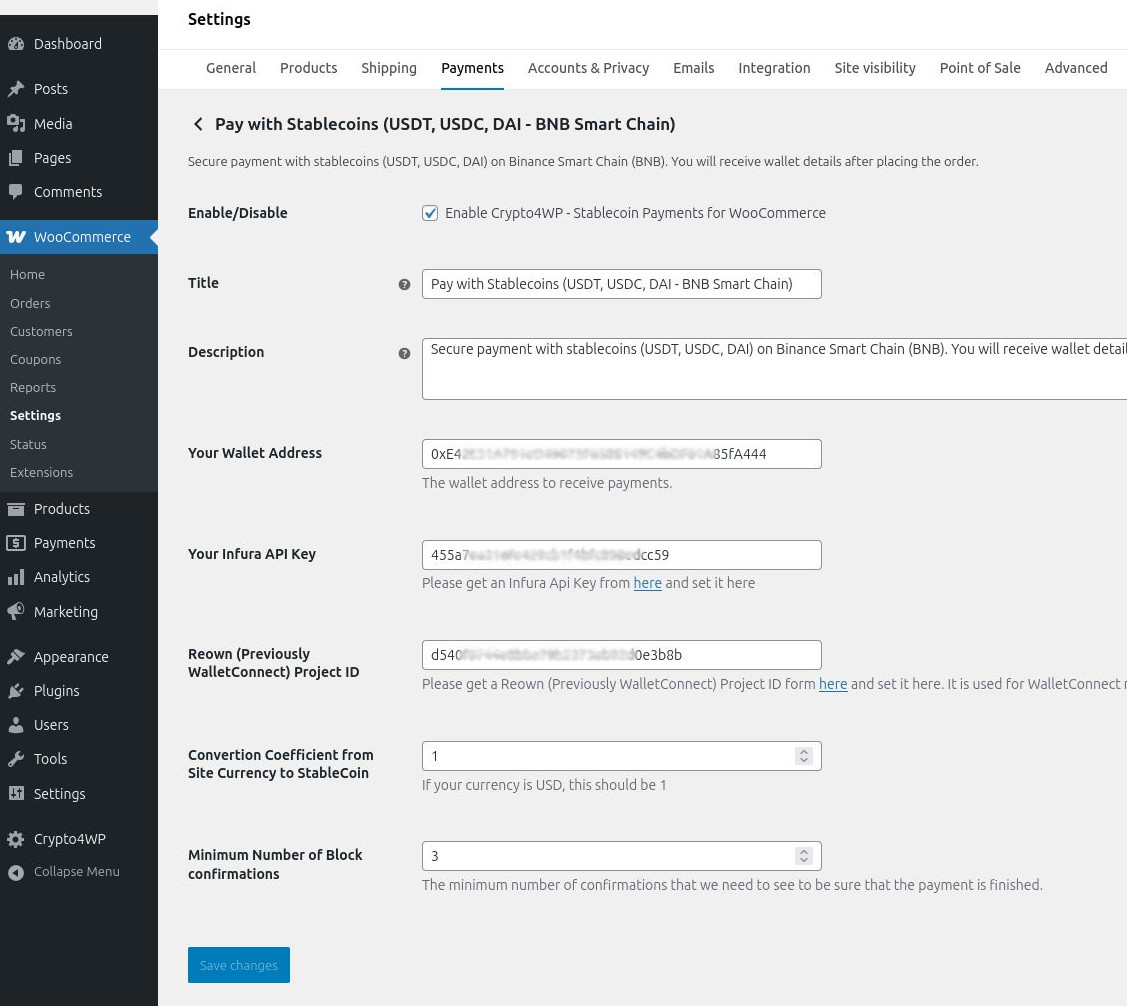
⚙️ Extremely Simple Configuration
- Two Settings, Total Control: Get started in just two steps:
- Set Your Wallet: Enter your store’s receiving BSC wallet address.
- Connect to Blockchain: Provide your Infura Project API Key to enable secure, server-side transaction validation.
- No Complicated Setup: No expensive subscriptions or complex APIs required.
How It Works (At a Glance)
- Customer Checks Out: A customer selects “Pay with stablecoin (BSC)” at checkout.
- Chooses a Method:
- Automatic: Connects wallet, reviews pre-filled transaction, and confirms.
- Manual: Enters wallet address, signs a message, makes the payment, and provides the TxHash.
- Plugin Validates: Our server uses your Infura key to monitor the blockchain for the correct transaction to your wallet.
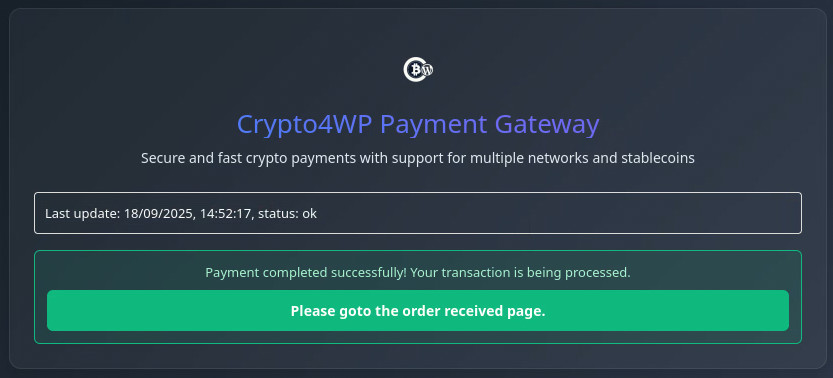
- Order is Confirmed: Upon successful validation, the WooCommerce order status is automatically updated to processing/completed.
- You Manage: Review all transaction details in the dedicated “Crypto4WP” admin page.
Why Choose Our stablecoin Payment Gateway?
- Lower Fees: Dramatically reduce payment processing costs compared to traditional credit cards and payment processors.
- Global Reach: Accept payments from anyone, anywhere in the world, without currency conversions or international payment barriers.
- Instant Settlement: Receive funds in your wallet the moment the blockchain confirms the transaction.
- Reduced Chargeback Fraud: Blockchain transactions are irreversible, protecting you from fraudulent chargebacks.
- Empower Your Customers: Tap into the growing crypto market by offering a modern, decentralized payment method.
Perfect For
- E-commerce store owners who want to accept cryptocurrency.
- Businesses looking to reduce payment processing fees and chargebacks.
- Web3-native brands, tech stores, and international sellers.
- Anyone valuing financial privacy and control over their funds.
Ready to Transform Your Store’s Payment System?
Embrace the power of decentralized finance. Click add to cart and start accepting direct, secure, and low-fee USDT, USDC, and DAI payments on your WooCommerce store today!
Requirements: WordPress, WooCommerce, a Web3 wallet (e.g., MetaMask), a BNB Smart Chain compatible wallet address, and an Infura API key for transaction validation.
Disclaimer: This plugin facilitates transactions. Users are responsible for ensuring the security of their own wallet private keys and complying with all local laws and regulations regarding cryptocurrency transactions.
vpn_ntst –
Как настроить VPN на MacOS без сторонних приложений?
kapsulnyj_dom_vist –
Капсульный дом — что важно проверить при приёмке готового объекта?
vpn_spst –
Как подключить ВПН на телевизоре Smart TV?
vpn_bwst –
Влияет ли VPN на скорость интернета?
ma1_oest –
Как маркетинговое агентство реагирует на форс-мажоры — провальные запуски, просадки трафика?
pet_aqst –
Как домашние животные справляются со стрессом после смены хозяина?
pssg_leer –
Чем рискует исполнитель, предлагая продвижение сайта с гарантией?
pms_arsi –
Продвижение молодых сайтов — что важнее на старте: технический SEO или контент?
zps_choa –
Что нужно подготовить со стороны клиента, прежде чем заказать продвижение сайта?
pet_fdst –
Почему домашние животные иногда издают звуки во время сна?
gps_ocKl –
Сколько стоит Гео продвижение сайта у агентства — из чего складывается цена?
ma1_vmst –
Маркетинговое агентство — в каких случаях лучше нанять штатного маркетолога?